Autonomy & Safety
Elowen can run agents unattended — for minutes or for hours. Autonomy is how you stay in control while it does: every mission runs at an explicit level that decides how much the agent may do without asking, an overseer vets every action before it takes effect, and a stack of watchdogs makes sure a wedged or runaway agent always ends up in front of a human. This page walks through each layer, so you can pick the level of supervision that fits the job.
Two principles hold everywhere: clarity — every decision an agent makes is visible and steerable — and nothing self-starts — when something needs a human, it waits for one.
Autonomy levels
Every mission runs at one of four autonomy levels (L0–L3). The level decides how much the agent may do without asking you, and how confident the overseer must be before it auto-approves an action.
| Level | Name | Prompt handling | Escalation |
|---|---|---|---|
| L0 | Recommend | All prompts → human | Never auto-approves anything |
| L1 | Assist | Overseer approves at ≥ 0.85 confidence | Uncertain or sensitive actions |
| L2 | Pilot | Overseer approves at ≥ 0.6 confidence | Ambiguous situations |
| L3 | Auto | Overseer approves at ≥ 0.6 confidence | Only when the agent is stuck |
L1–L3 spawn agents automatically and let them run. L0 plans and proposes but never executes without your explicit approval — the safest setting when you want to review everything first. You set the level per mission and can change it at any time from the Dashboard.
TDD mission mode
An optional guardrail that makes every autonomous worker practice strict
test-driven development. It is off by default and toggled globally — from
Settings → Autopilot, or with the /tdd command (bare /tdd reports the
current state, /tdd on / /tdd off flips it; changing it is admin-only).
When on, Elowen appends a Test-Driven-Development directive to every worker briefing, so the agent must:
- Write a test that captures the desired behaviour and confirm it fails for the right reason before writing any implementation.
- Implement the minimum code to make that test pass.
- Re-run the tests, confirm they pass, and refactor only while green.
The agent may never weaken or delete a test to make it pass, and a change with no runtime surface (pure docs or config) is called out in its summary instead.
The directive applies to every worker — CLI-spawned and the embedded Elowen AI brain alike — even when you have saved a custom worker prompt. TDD mode is independent of the autonomy level and of the plan/build work modes: it is a single global toggle layered on top of whichever mode the worker runs in.
Overseer (decision gate)
The overseer is the gate that vets every agent action before it takes effect — task dispatch, CLI permission prompts, and post-completion reviews. It runs one of two ways.
Relay path (default)
By default, decisions go through an LLM relay: a model scores each request for confidence, and the gate applies a simple threshold:
- Approved — confidence ≥ the level's threshold → the agent proceeds
- Rejected — confidence < threshold → the request waits for a human
- Destructive — always escalated; the overseer can never auto-approve it
This is the low-friction default: no extra agent to run, decisions resolve in line.
Agent path (parked overseer)
Optionally, Elowen spawns a dedicated, parked overseer agent per active mission — a real coding agent whose only job is judging requests. It works asynchronously, so the mission keeps moving while the overseer thinks. If the parked overseer dies or wedges, its pending decisions escalate to a human so nothing slips through unreviewed.
Deriver (prompt detection)
The deriver is how Elowen knows what a live agent is doing. It polls every active agent's terminal every few seconds and detects state changes from the output — including the CLI's own permission prompts, such as Claude Code's "Do you want to proceed?" or Codex's "Allow command?".
Auto-accept prompts like workspace trust are cleared directly by the deriver without an overseer round-trip — there is nothing for a human to decide there. Everything else becomes a decision in the queue.
The deriver also drives the live status you see across the Web UI:
| Signal | Meaning |
|---|---|
working | Agent is active, no prompt detected |
needs_input | Agent is paused, waiting on a human |
complete | Task is closed — final signal |
Decision taxonomy
The overseer handles five kinds of decision, each raised by a different part of the system:
| Kind | Raised by | What it is |
|---|---|---|
prompt | Deriver | A CLI permission prompt from the agent |
review | Task close | Post-completion review: outcome and summary |
question | Deriver | A multiple-choice question from the agent |
message | Agent (elowen ask) | Free-text Q&A with the autopilot |
check | Liveness sweep | Routine progress check on a working agent |
The confidence threshold that separates auto-approve from wait-for-human is 0.85 at L1 and 0.6 at L2 and L3.
Liveness & progress checks
To make sure a wedged agent never sits silently, a liveness sweep runs continuously and watches one tool-agnostic signal: whether the agent's terminal keeps changing. A working agent streams output; a wedged or idle one goes static, and the sweep acts:
| Check | After | Action |
|---|---|---|
| Worker wedge | 5 min idle | Wake the overseer — it nudges, restarts, or escalates |
| Routine progress | 15 min working | Ask the overseer "is this still on track?" |
| Overseer wedge | 10 min idle | Escalate its pending decisions to a human |
| Dead overseer | 90 s gone | Escalate its pending decisions |
| Absolute backstop | 30 min in any state | Escalate |
A healthy agent is only ever nudged or steered — the routine progress check never escalates work that is genuinely moving.
Agent Q&A (elowen ask)
A working agent can ask a free-text question mid-mission — to the autopilot or to you:
- The agent calls
elowen ask "Is this approach correct?" - The autopilot answers directly, or escalates the question to a human
- Unanswered questions surface in the Escalations inbox
- You reply, and the agent receives your answer and continues
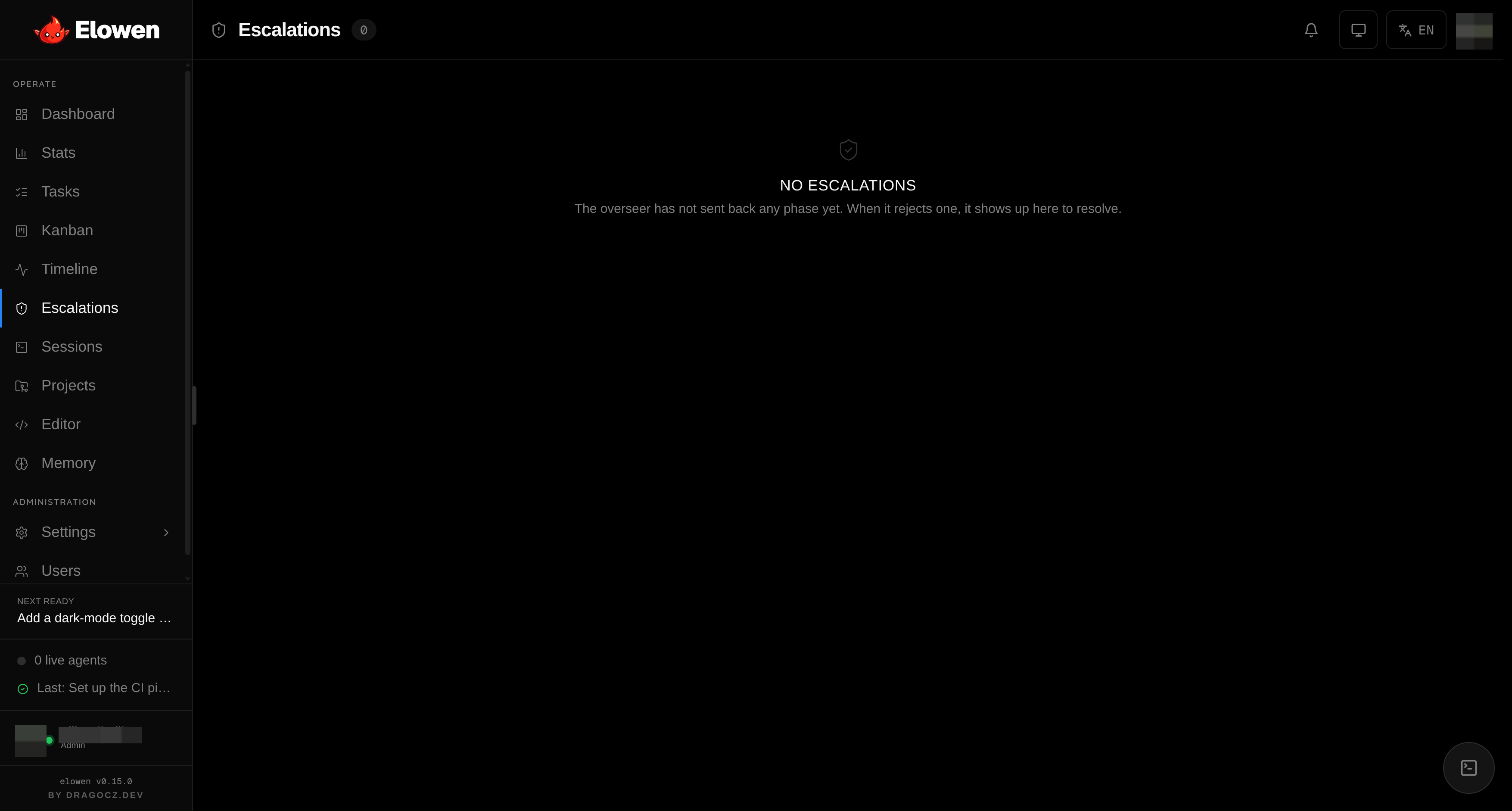
Escalations is your human-in-the-loop gate — approve, reject, or answer, all
from one place. See Web UI for the full inbox, and CLI for the
elowen ask command and its --history flag.
Stuck detector
The stuck detector sweeps every minute for in_progress tasks whose agent
session is no longer alive. It reverts a dead-agent task to open (up to 2
retries), then moves it to blocked to prevent an infinite crash loop. When
it reverts a task, it writes a resume note explaining why the task was
relaunched, so you (or the next agent) have the context. See
Tasks & Missions for task states.
Session resume
When Resume sessions is enabled for a provider, the daemon captures the agent's CLI session id when the session closes and splices a resume flag into the next spawn. The agent reattaches to its prior conversation instead of cold-starting — it keeps its context, its plan, and its place in the work.
Persistent goals (/goal)
The autonomy levels above govern spawned mission agents. The embedded Elowen
AI brain — the agent you chat with — has its own autonomous mode: a
persistent goal. Set one with /goal <what you want> and the brain works
toward it turn after turn on its own, checking its own progress, until the goal
is done, it hits a blocker, or it exhausts its turn budget.
Each goal turn follows a small reporting protocol the brain is taught:
PROGRESS: …— a one-line note of what the turn accomplished, carried forward across turns so a long goal keeps its bearings.GOAL_DONE: <evidence>— the only way to finish. It must cite concrete evidence (passing tests, command output, a reviewed diff), and it's rejected if any subgoal is still open — so a goal can't declare itself done prematurely.GOAL_BLOCKED: <reason>— stop on an unresolvable blocker (missing credentials, a required decision, an unsafe step) instead of looping the budget away. The goal pauses for you.SUBGOAL_DONE: <n>— check off a subgoal as it lands.
Break a goal into checklist items with /subgoal <text>. /goal draft writes
a structured contract — outcome, verification, constraints, boundaries,
stop-when — for review before you commit to running it. /goal status,
/goal pause, /goal resume and /goal clear manage a live goal.
Turn budget & the YOLO ceiling
Every goal carries a turn budget — the number of autonomous turns it may run before it stops to check in with you (default 8, configurable under Settings → Elowen AI → Limits). What happens when the budget is spent depends on whether the session runs in YOLO:
- Supervised (not YOLO) — the goal pauses at budget. You confirm
continuation with
/goal resume, which grants a fresh budget window. This is the point where a human stays in the loop. - YOLO — the goal keeps going past a spent budget so it can finish unattended, but never past an absolute safety ceiling (default 64 turns). Even in YOLO the loop pauses at the ceiling, so a runaway goal can never burn tokens forever.
Losing the driver
A persistent goal only advances while its conversation has a live driver — it's
your active conversation, or a bound CLI stream is attached to it. Switch away
and the goal pauses rather than running unattended in the background. A
daemon restart pauses every active goal too. Autonomous work never self-resumes
— you bring a paused goal back with /goal resume. See Brain &
Chat for the embedded agent.